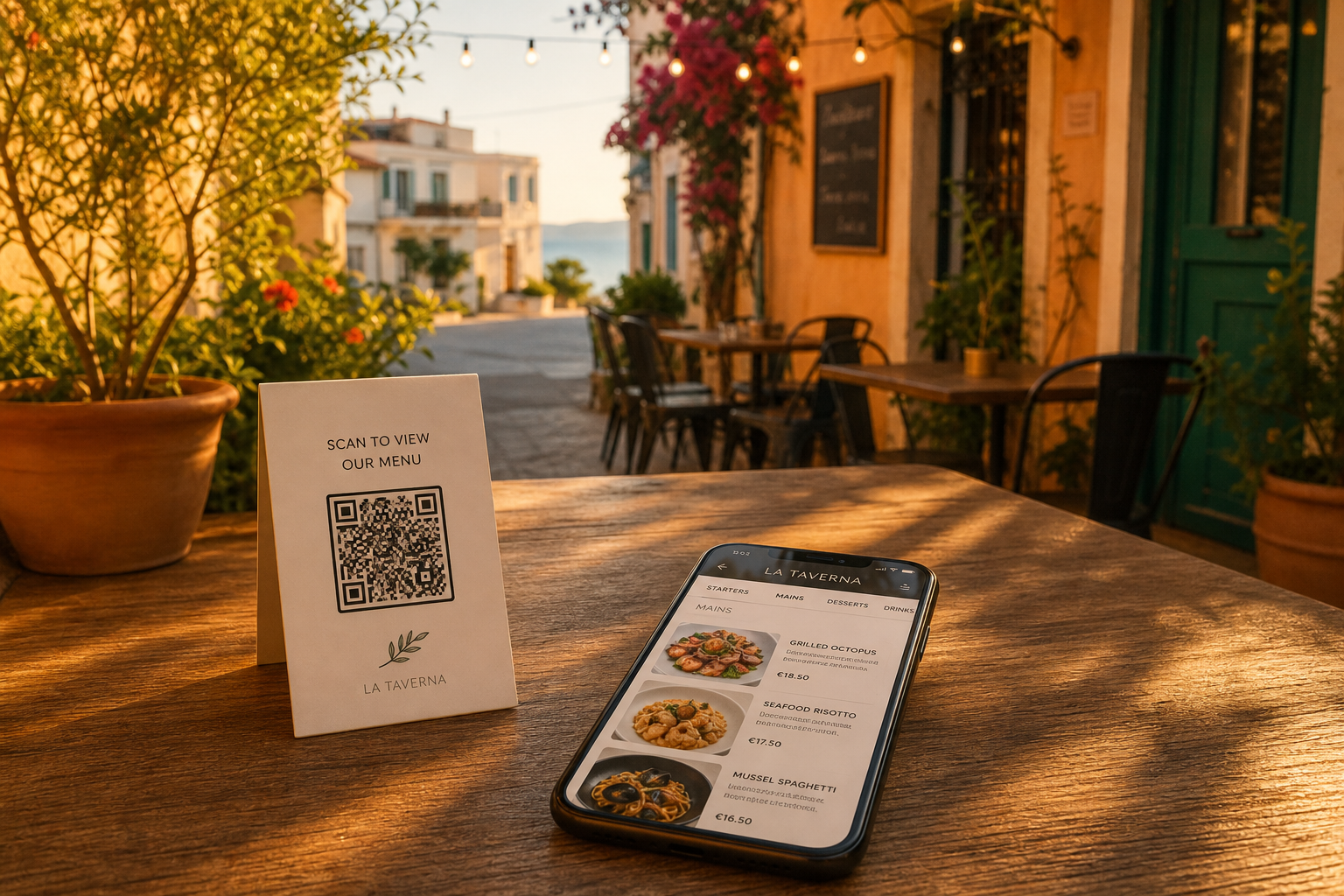
Table-side ordering
Order from Your Table.
No App. No Wait.
Guests scan a QR code and order from their phone. Restaurants set up in 5 minutes with just a printer, staple gun, and tablet.
Set Up in 5 Minutes
Create a restaurant account first — then you're ready to go.
Print the QR Codes
Generate unique codes for every table from the dashboard.
Put Them on the Tables
Laminated, on a tent card, whatever works for you.
Open the Tablet
Log in on any iPad or Android tablet. See orders as they come in.
Start Taking Orders
The order hits your tablet as soon as a guest scans. That simple.
What You Need
A Printer
Any printer. Print QR codes once.
A Menu
Digitize it once. Edit anytime from the dashboard.
A Staple Gun
Attach QR codes to tables or tent cards.
A Tablet
iPad, Android, or any tablet with a browser.
How It Works for Guests
Create a free account first — then scanning is instant every time.
Scan the Code
Point the camera at the QR code. No app. No sign-up.
Browse & Order
Full menu loads instantly. Tap items, customize, order.
Food Arrives
Kitchen gets the order immediately. No miscommunication.
Why Restaurants Switch
Faster Table Turns
Guests order when ready. No waiting for a server means faster service.
Increased Sales
Better process leads to more orders per table.
Fewer Staff
One server covers more tables when guests order themselves.
Multi-Language
Menus display in the guest's preferred language automatically.
Ready to Modernize Your Restaurant?
Set up in 5 minutes. No contracts. Free to start.
Get Started Free →